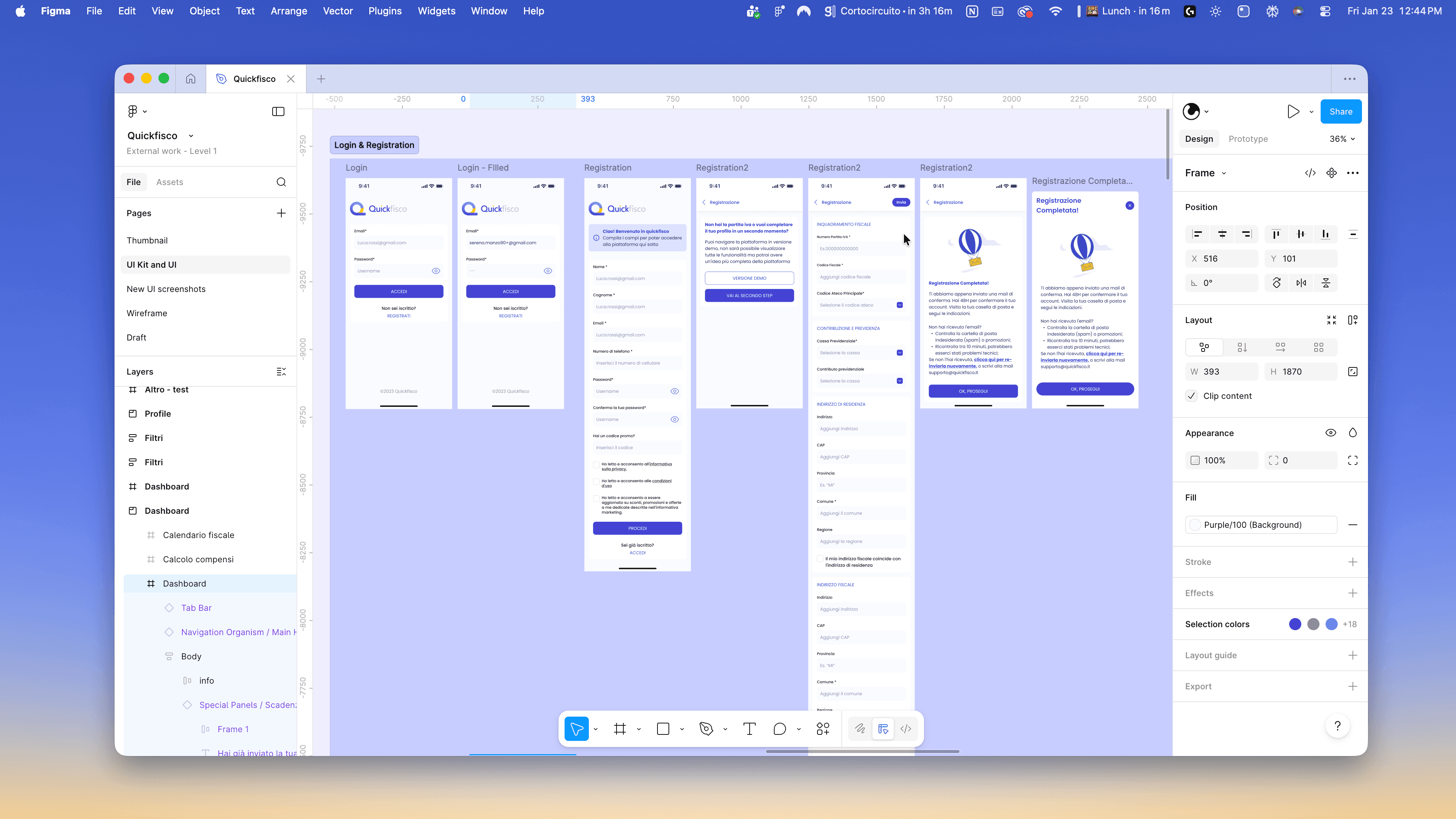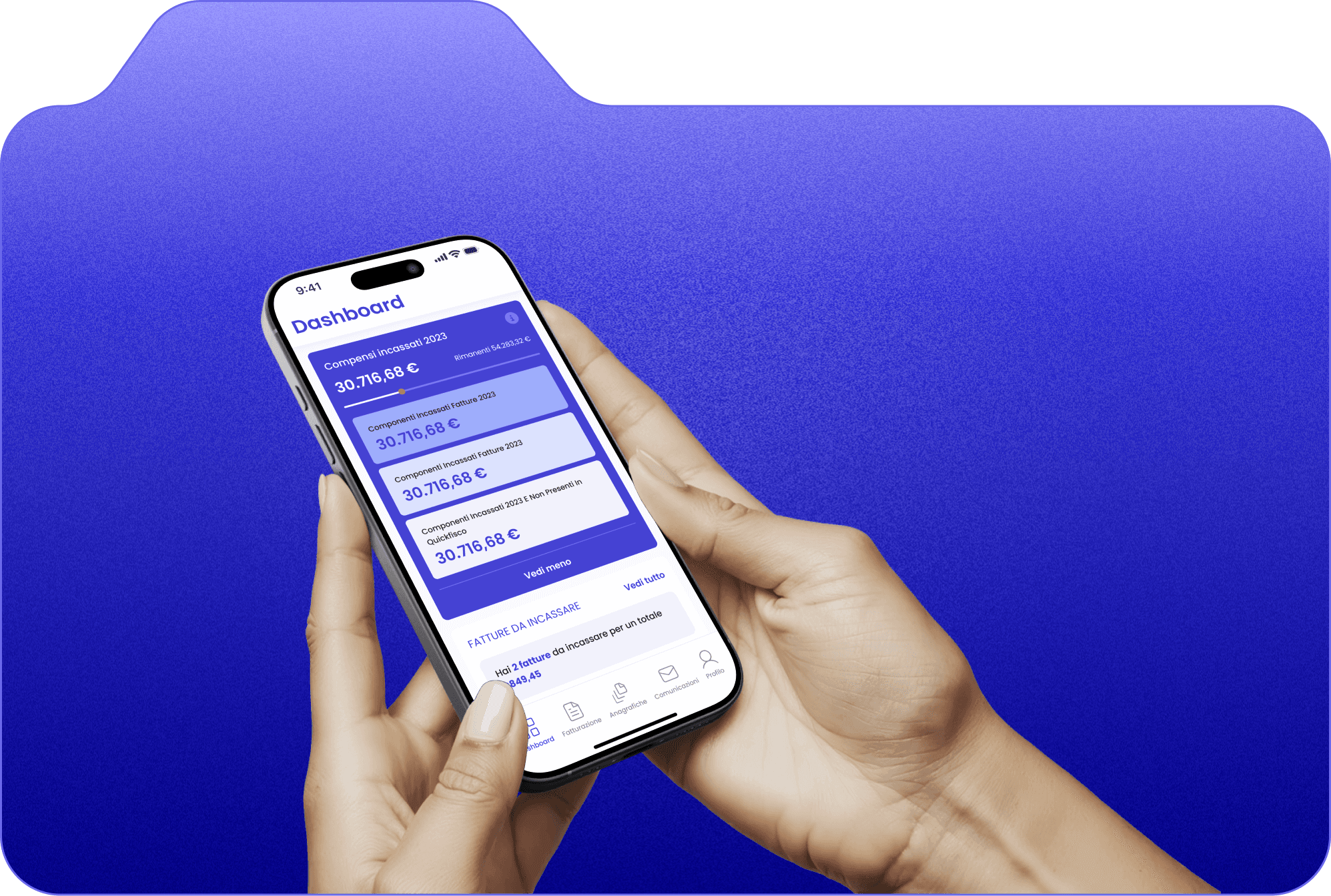

I designed the mobile app for Quickfisco.
I had to readapt the UI already created by Quickfisco for the web version to its mobile app version.
The app helps professionals under the flat-rate tax regime to manage their taxes in a simple and digital way, staying by their side declaration after declaration.
Process
To begin with, I had to analyze the design — which at that time was still under development — that another team of designers was working on for the desktop web version. After a few alignment calls, I gained a clear understanding of their vision and was able to start working on the wireframes.
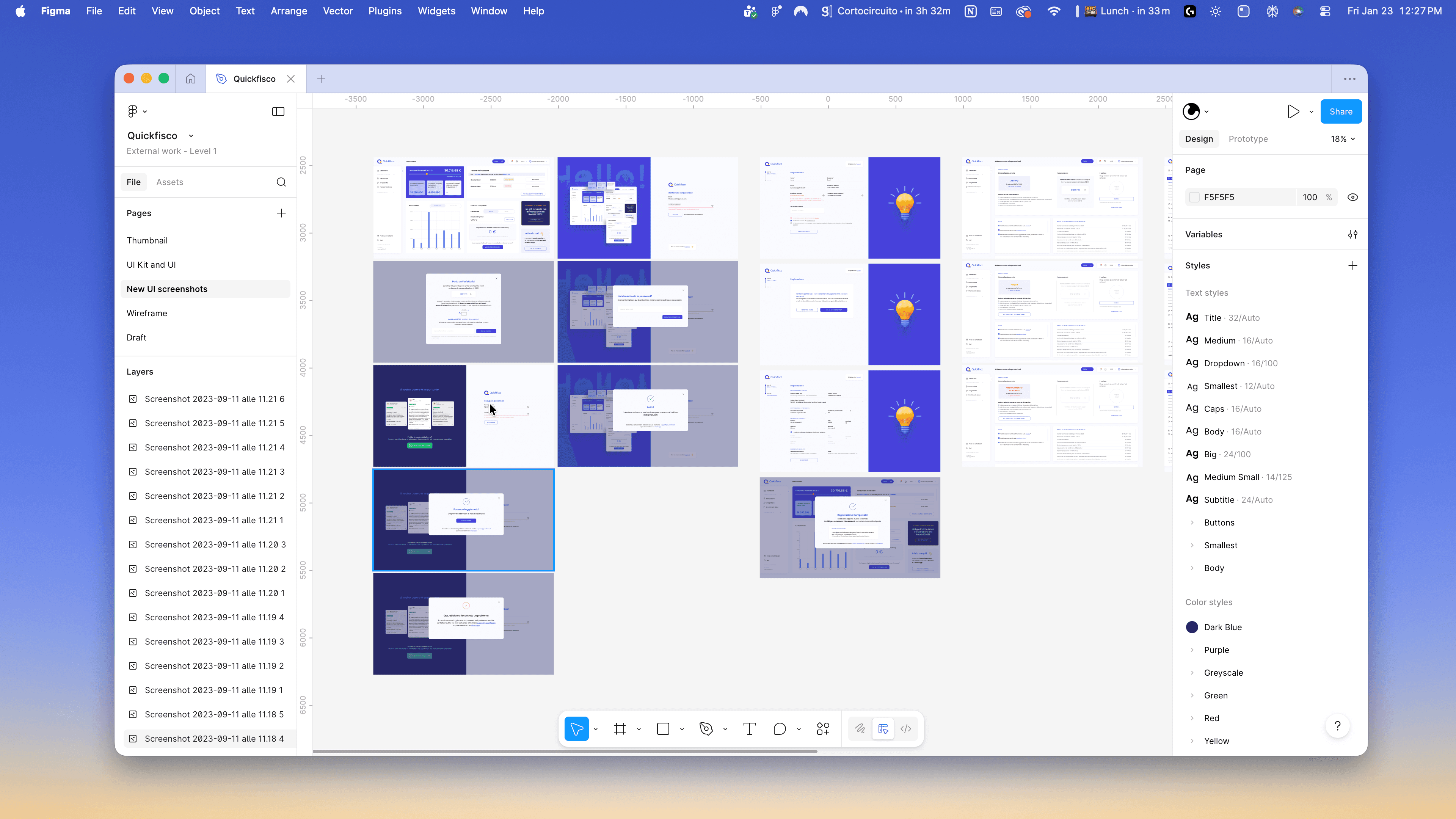
Adapting the vast amount of information and features already available on the web into a mobile app was quite a challenge. I decided to slightly adjust the navigation to improve the usability of the sections on mobile, completed all the individual UX flows, and then moved on to creating the components.
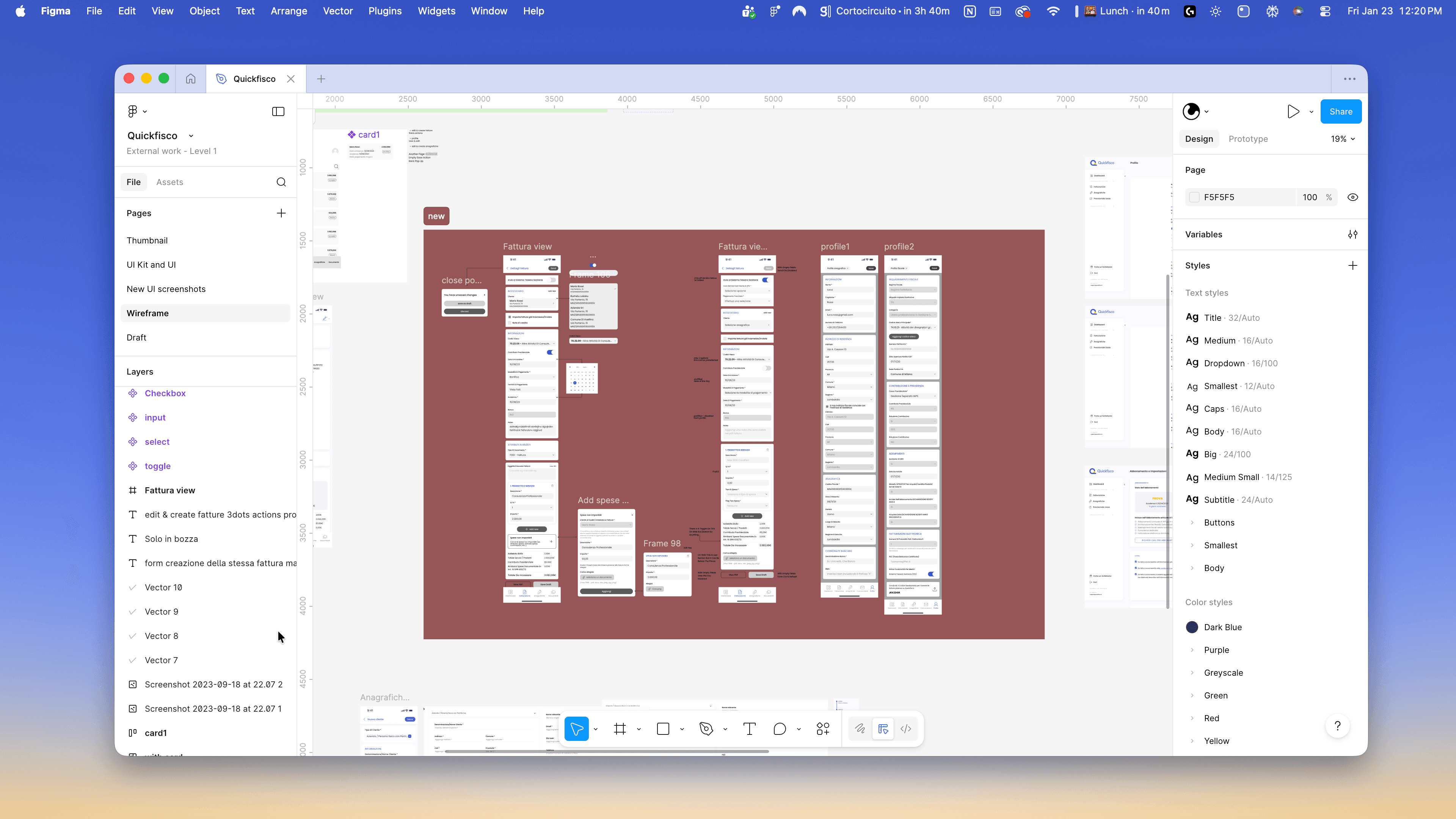
In this case, the client didn’t want a UI Kit. This limitation led me to nonetheless create components for the main elements of the application (colors, typography, buttons, bars, etc.). Building components is a fundamental part of the design phase and runs in parallel with the UI design process.
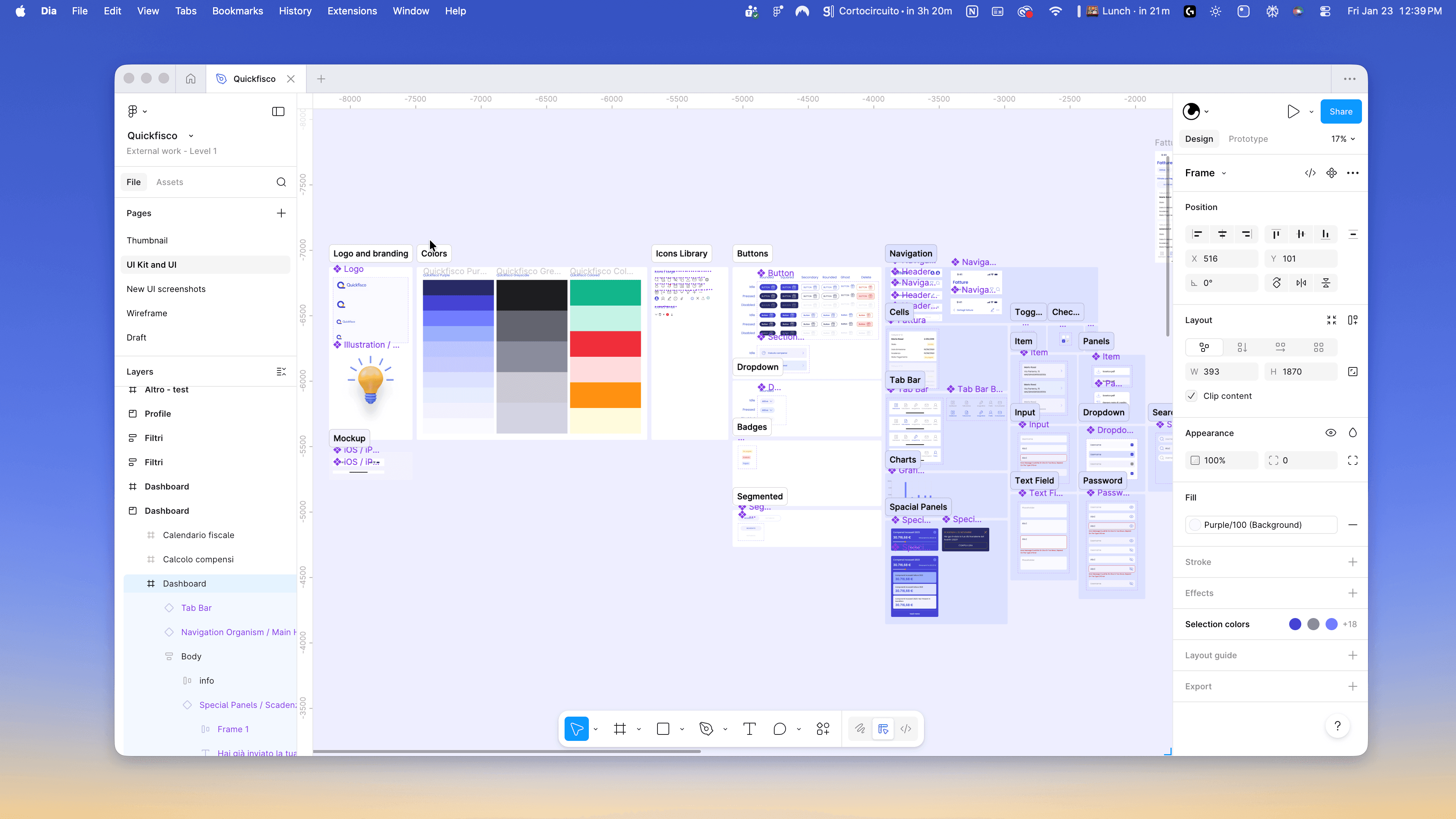
As mentioned in the previous point, while creating the components, I also designed the app in high fidelity. There were several calls to review the app together with the developers and the platform owners. Once we reached a point where everyone was satisfied with the work, I handed over the file and made myself available for any clarifications during the development phase.